


 Built for Shopify4.9
 1,282 reviews
Reward bigger baskets with a cart goal.
A cart discount that grows with the basket: set spend steps (a minimum cart value) and a discount for each. Shoppers see the ladder; the saving applies at checkout. Your prices stay as they are.
Steps count the cart value of the campaign’s products, not the item count.
Six reasons to run a cart goal
Pick a goal to see its settings and what your shopper sees.
Orders sit just under your target. One more item closes the gap.
The spend steps listed on the product page
Built as the Cart level bonus templateSmall carts pay full price; the discount opens at your threshold.
A Spend and Get table on the product page
Built as the Cart level bonus templateMove end-of-line stock with a spend target, not a storewide sale.
Only those products count toward the goal
Built as the Cart level bonus templateA few days, a clock on the page, and the steps stop themselves.
A countdown beside the spend steps
Built as the Cart level bonus templateBlack Friday or a launch: set two dates and walk away.
The goal opens and closes on its own
Built as the Cart level bonus templateTag a product and it counts; untag it and it leaves.
New tagged products join the goal as you add them
Built as the Cart level bonus templateWhere your shopper meets it
Cart and checkout work on their own. The spend table is a switch in Customization, with the app embed on.
Set up in minutes, without a developer
Four settings in the app, each shown with what it changes in your store.
Try it: pick any setting and watch the store change.
- Whey Protein, 1 kg$44.00SpendGet$75+10% off$120+15% off$200+20% off
The steps show on the product page. Two bags make $88.00, past $75, so 10% comes off: $8.80.
- 1 × Whey Protein, 1 kg, Vanilla
$44.00$39.60 - 1 × Whey Protein, 1 kg, Chocolate
$44.00$39.60
Any products in the campaign add up: $88.00 is past $75, so 10% off.
- Whey Protein, 1 kg$44.00
- Daily Multivitamin$22.00
- Electrolyte Sachets, Box of 20$18.00
- Vitamin D Gummies$24.00
The Supplements collection: its 3 products count toward the steps, the gummies do not.
Excludes needs the Lite plan.
- Buy $75.00+ total, 10% off
- Buy $120.00+ total, 15% off
- Buy $200.00+ total, 20% off
Qty 2
- 2 × Whey Protein, 1 kg
$88.00$79.20
The cart and checkout take off what the preview shows, under the discount label you write. No code to type.
Runs online, on Shopify POS (needs POS Pro) or both; picking the channel needs the Discounty plan.
The free plan runs one step; more than one step needs the Essential plan. Already use Discounty? Campaigns → New campaign → Cart goal.
Start for freeYou will not be working this out on your own
Where merchants most often ask us for help:
- Chat, from inside the campaignWhoever answers sees your settings
- A walk-through for this typeEvery screen, and what to check first
- Theme and page-builder helpThe one thing support most often fixes
Aaron and Dela both replied within minutes, on a weekend.
The moment I got it installed Dela was there to help me.
The spend table needs the app embed on. If you change themes, switch it on again.
 Minimum Purchase Discounts on Shopify: A Guide
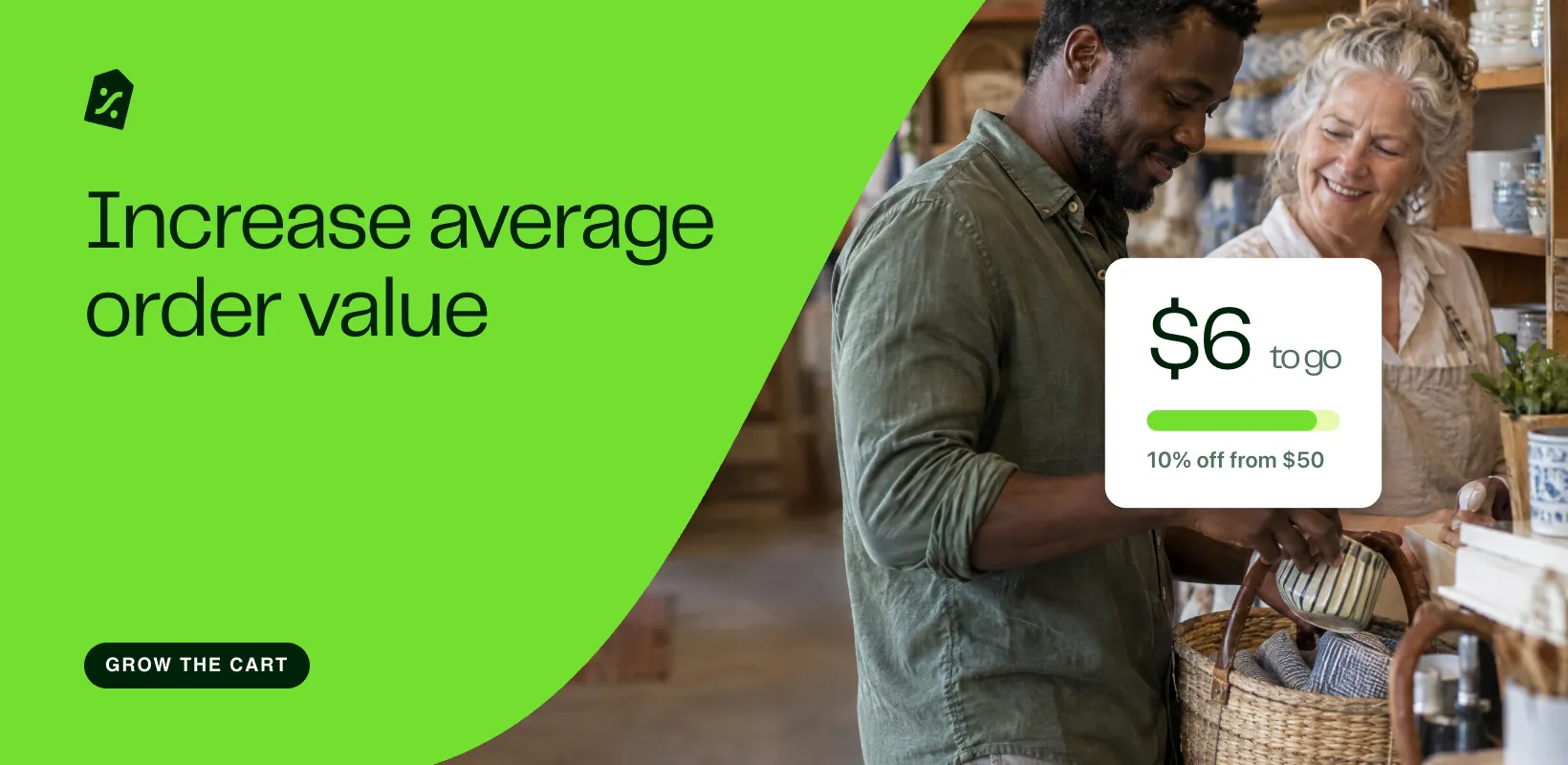 How to Increase Average Order Value With Discounts
 The Most Effective Discount Percentage for Shopify
Questions merchants ask before they start
What does it cost?
Cart goal runs on the free Starter plan (no card, no time limit), with a single step on up to 3 campaigns. More than one spend step starts on the Essential plan, and so does the countdown timer. The collection-card badge is on the Discounty plan, switched on in Customization. The pricing page has the rest.
How is this different from a quantity discount?
Quantity discount tiers by how many items are in the cart. Cart goal tiers by cart subtotal in money. Same three discount types, the same three matching options (Mix of products, Same product, any variant, Same variants), same checkout label, different trigger.
Can I run it next to a quantity discount?
No. Cart goal and Quantity discount cannot be combined with each other at the moment. Either of them can run on top of a Bulk price editor sale on the Discounty plan, once both campaigns allow it in Campaign combinations.
Do my customers need a discount code?
No. It is a Shopify automatic discount, so the saving appears in the cart and at checkout on its own.
Is there a ceiling past the top step?
No. Once a shopper meets your highest tier, that discount keeps applying no matter how much more they spend. A $500 cart still gets the $200+ rate.
Does it change the price on my products?
No. The product keeps its price and the discount is applied as the basket is built, so there is nothing to put back when the campaign ends.
Can I change a campaign while it is running?
While it is live, only the end date and time can move. To change a threshold or anything else, deactivate it, edit, and activate it again. To add products, duplicate it.
Can I make the offer easier to notice?
Yes. Add a countdown that runs to the campaign’s end date and stops itself. On the Discounty plan, run it on top of a Bulk price editor sale by ticking each campaign in the other’s Campaign combinations.
Set the spend steps your cart needs
Pick the cart values, set the discount, publish. The free plan covers one step, with no time limit.
Free plan available · 3-day trial on paid plans