
In short
- Prices that do not return afterwards are the failure with the longest tail, and the cause is usually a campaign built without an end date.
- Discounts stacking further than intended is a decision left unmade, not a bug.
- A discount nobody can see is not a discount. Check a variant, on a phone, signed out.
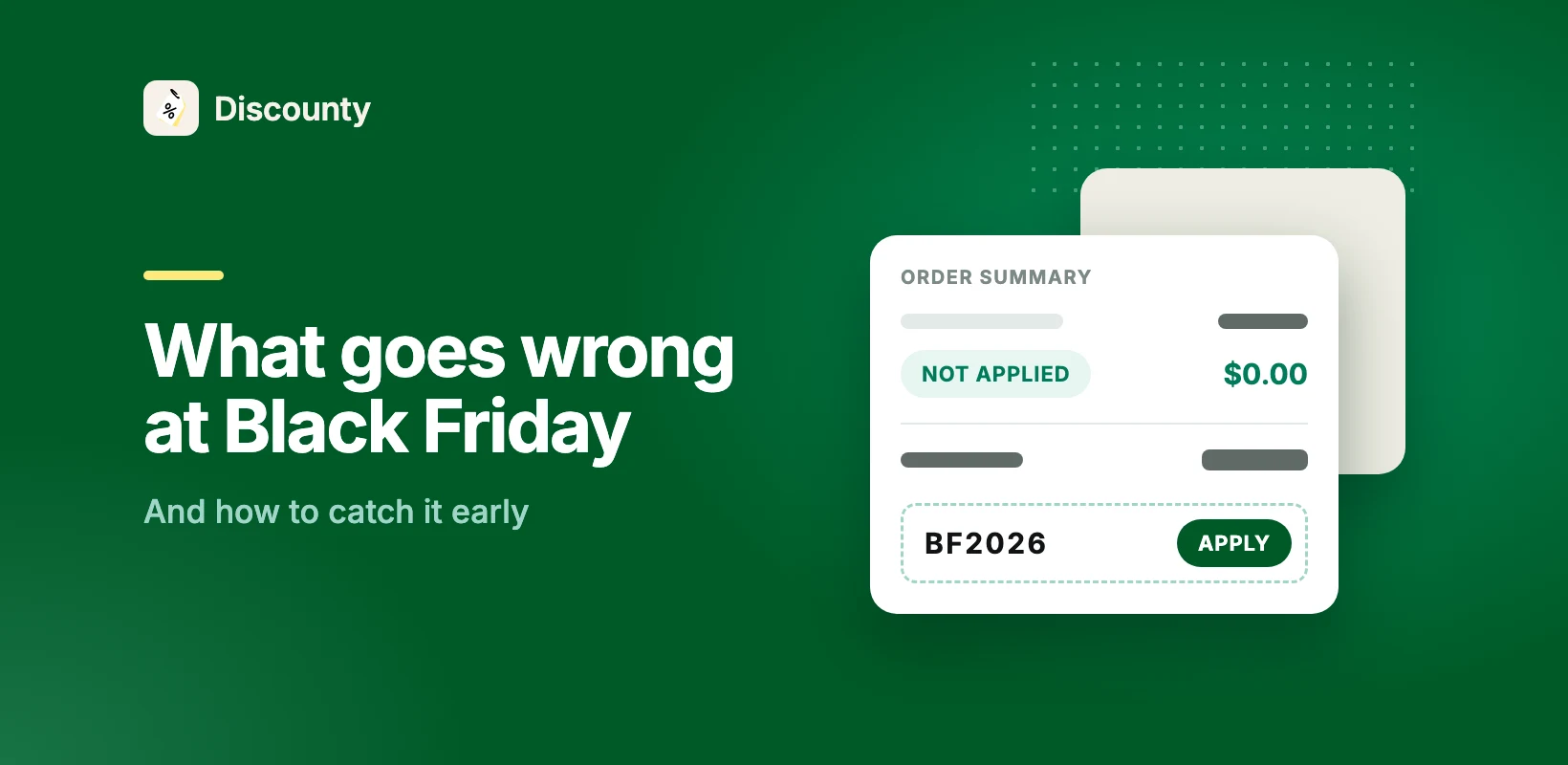
The same short list goes wrong in most stores every November, and each item on it is cheaper to prevent in October than to fix on the 27th. Across Discounty stores last season, 11% of Black Friday campaigns had no end date at all, which is where the first one starts.
1. The prices do not come back
This is the failure with the longest tail, because it does not announce itself. The weekend goes fine, the campaign ends, and some products keep the sale price into December. The shop finds out when a customer asks, or when the margin report looks wrong in January.
It usually has one of three causes:
- The campaign never had an end date. It was going to be closed manually and then the Tuesday was busy.
- Prices were edited by hand rather than run as a campaign, so putting them back is a second manual job that nobody scheduled.
- The campaign was removed before it closed. Deleting a running campaign is not the same as ending one, and the difference matters.
Catch it early: run a small campaign on five products this month, end it, and check the prices returned. It takes ten minutes and tells you which of the three applies to you.
2. The discounts stack further than you intended
A shopper arrives with an email code, the site-wide percentage is running, free shipping starts at £50, and the cart takes all three. Nobody decided that. It was simply never decided against.
Shopify's rule is strict on one point: two discounts combine only if both are set to allow it, class by class (product, order, shipping). Get one side wrong and the cart either stacks more than you meant, or keeps only the better discount without saying so. Both surprise people.
Catch it early: write down, before you build anything, which of your offers may run together. Then test one cart that tries to use all of them.
3. Nobody can see it
A discount the shopper cannot see gives away margin and sells nothing.
The usual versions: the sale price display was never switched on. Or it is on, but not in the theme you actually publish. Or it shows on the parent product and not on the variant a shopper selects.
Catch it early: open one product page signed out, on a phone, in your live theme. Pick a size or a colour. Look at the price, the struck-through price, and the badge. Then do it again on a second product.
4. The variant count is not the product count
A store with 40 products in three sizes and two colours is discounting 240 variants, not 40. This surprises people in the final week, when the plan turns out to cover fewer than the sale needs and the fix has to be made in a hurry.
Catch it early: count variants in October, not November.
5. The sale never really ends
A sale that drifts into December teaches the people who bought at full price that they should have waited, and it teaches everyone else that the next deadline is negotiable too. The cost shows up on the next campaign, not this one.
Catch it early: decide before the Friday what the Tuesday looks like: prices back, a narrower clearance, or a smaller standing offer. Any of the three works. Drift does not.
How we counted
The share with no end date is counted across every campaign Shopify stores started in Discounty between 1 November and 5 December 2025, read from our own records in September 2026. No single store can be identified from it.
Questions
Why is my Shopify discount not showing on the product page?
Most often the sale price display is not switched on in the published theme, or you are looking at a parent product rather than the variant. Check signed out, on a phone, in the live theme.
My sale prices did not go back after the campaign ended. What happened?
Usually one of three things. The campaign had no end date. The prices were edited by hand instead of run as a campaign. Or the campaign was deleted instead of closed. Test it now on five products, not in December.
Can two Shopify discounts apply to the same order?
Only if both are set to allow it, in the Combinations section of each discount. Shopify checks product, order and shipping discounts separately, and two shipping discounts never combine.
What should I check on the morning of Black Friday?
One product page as a shopper, one variant, the price and the badge. Then leave it alone. Changing a live discount mid-weekend costs you more than it fixes.






.png)